Your apps are all there
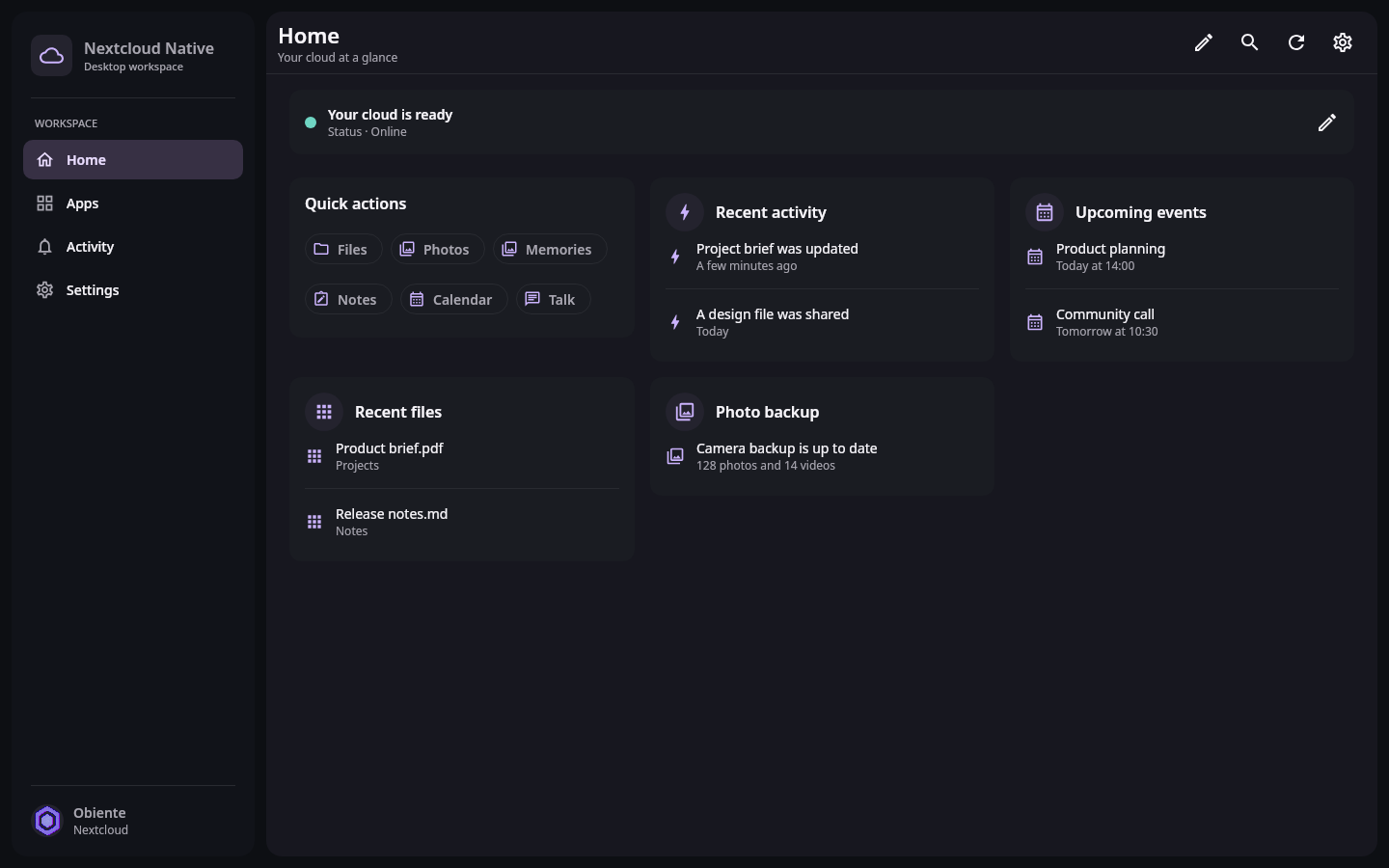
Files, Photos, Talk, Calendar, Mail, Notes, Deck, and the other apps on your server live under the same account.
 Nextcloud Nativeby Obiente
An independent client by Obiente
Use Files, Photos, Talk, Calendar, and the apps installed on your server from one client on phone, tablet, and desktop.
Available for
Built by Obiente. Independent and community-driven.
Everyday work
Nextcloud Native uses your device's file picker, share sheet, notifications, background work, keyboard, and touch controls. Your account and permissions stay with you as you move between them.
Files, Photos, Talk, Calendar, Mail, Notes, Deck, and the other apps on your server live under the same account.
A phone gets touch controls and share sheets. A desktop gets resizable panes, keyboard navigation, context menus, and drag and drop.
Originals are kept, conflicts are shown, and a write is withheld when the server contract is unclear.
Your apps
Mail is a mailbox, Deck is a board, Tables is a table, and Memories is a photo library. Shared native building blocks make navigation and actions predictable without flattening everything into a generic data screen.
Explore the app model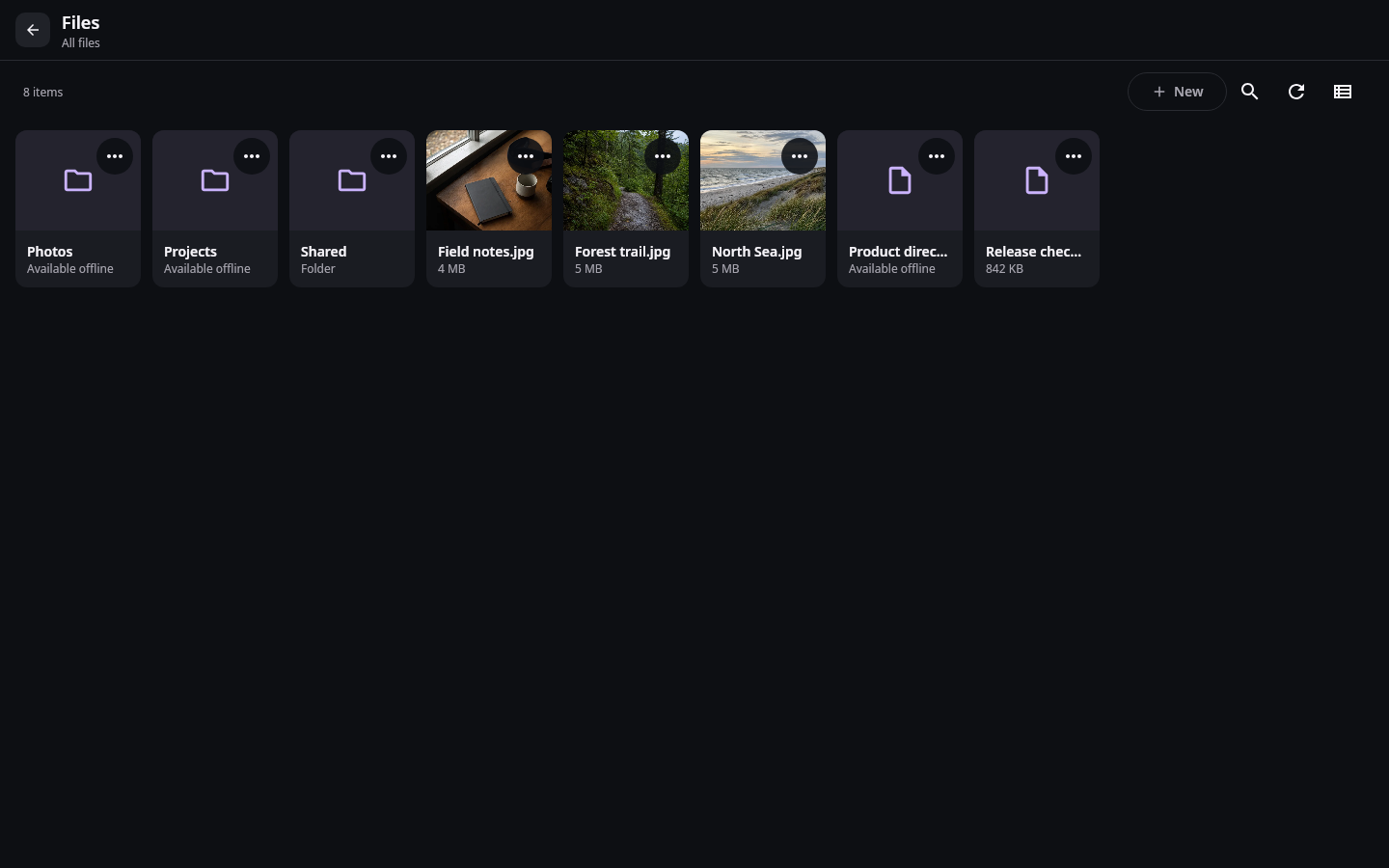
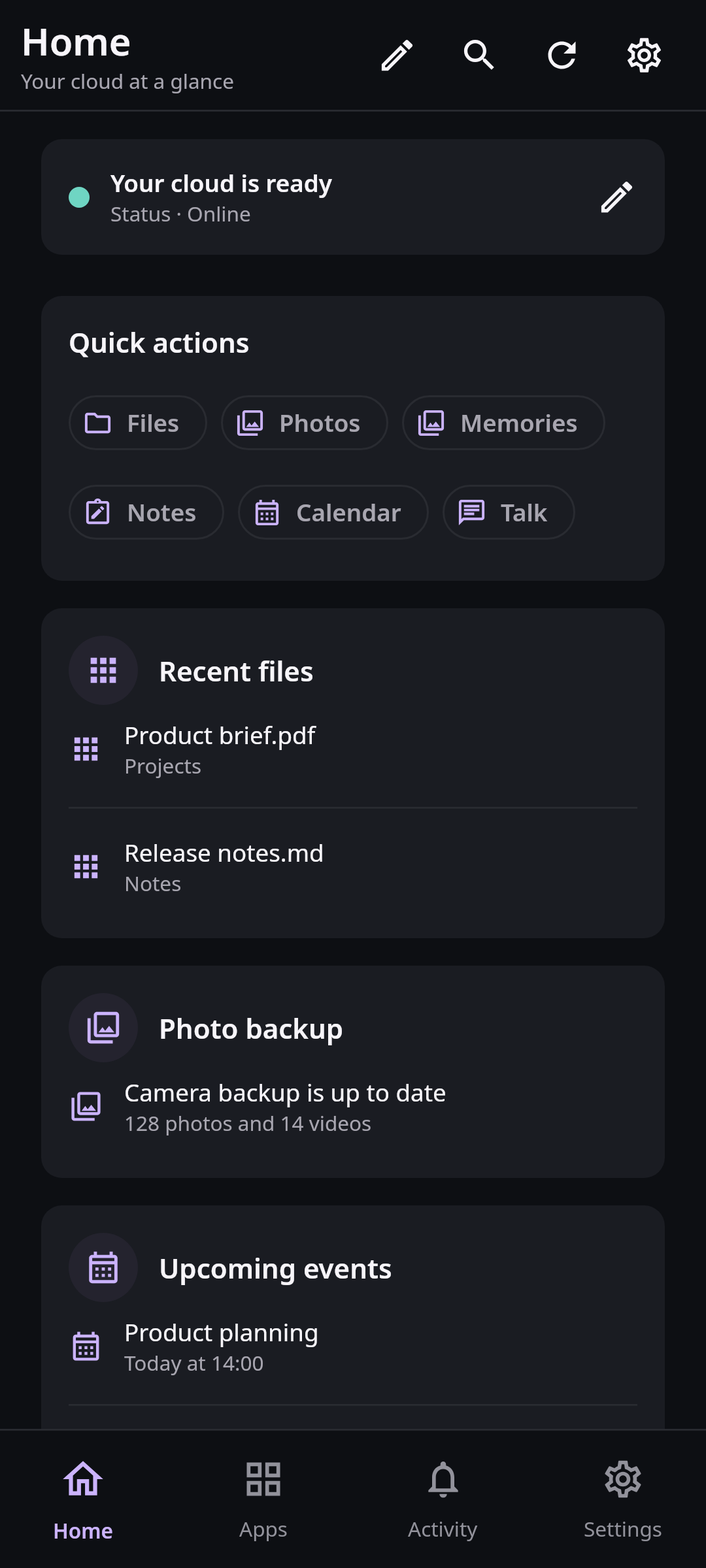
Browse, edit, share, recover, and synchronize ordinary files through native pickers and file managers. Offline work remains explicit and conflicts never disappear behind a generic success message.
How it works
Nextcloud Native reads verified capabilities and versioned contracts, understands the work they represent, and chooses a useful native interface. It never invents an endpoint or passes an embedded website off as an app.
Read the architectureThe app discovers the exact features, versions, permissions, and installed apps your Nextcloud makes available.
Verified contracts turn files, dates, people, messages, rows, media, relationships, and actions into typed concepts.
The result becomes a gallery, editor, table, conversation, calendar, board, or dashboard integrated with the operating system.
Every device
Your data follows the same safety and sync rules everywhere. Each platform still gets the layout, controls, lifecycle, and system integration that belong there.
Android, iPhone, and iPad use touch-first navigation, native sharing, background transfer, notifications, media controls, file providers, and layouts that adapt from a phone to a large screen.
Linux, Windows, and macOS use resizable multi-pane workspaces, keyboard navigation, context menus, drag and drop, native file access, system notifications, and desktop media controls.
Built in the open
Documentation
Architecture, security decisions, compatibility rules, and contribution guides live beside the source they describe.
Journal
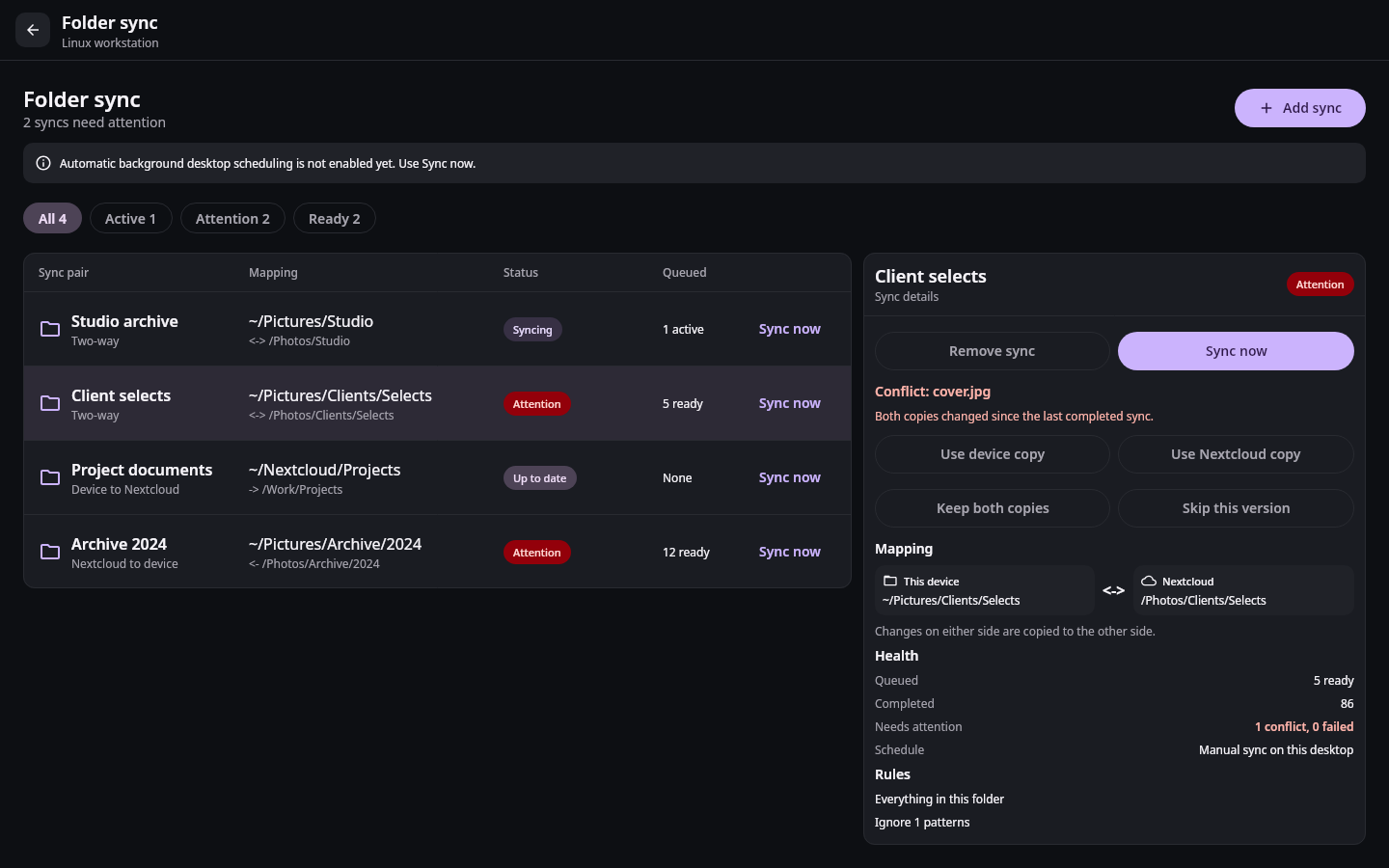
Nextcloud Native connects ordinary device folders to Nextcloud with two-way sync, visible conflicts, selective rules, and system file integration.
6 min readVerified backup distinguishes safe Nextcloud copies, files that need attention, and storage that can be reviewed for cleanup.
5 min read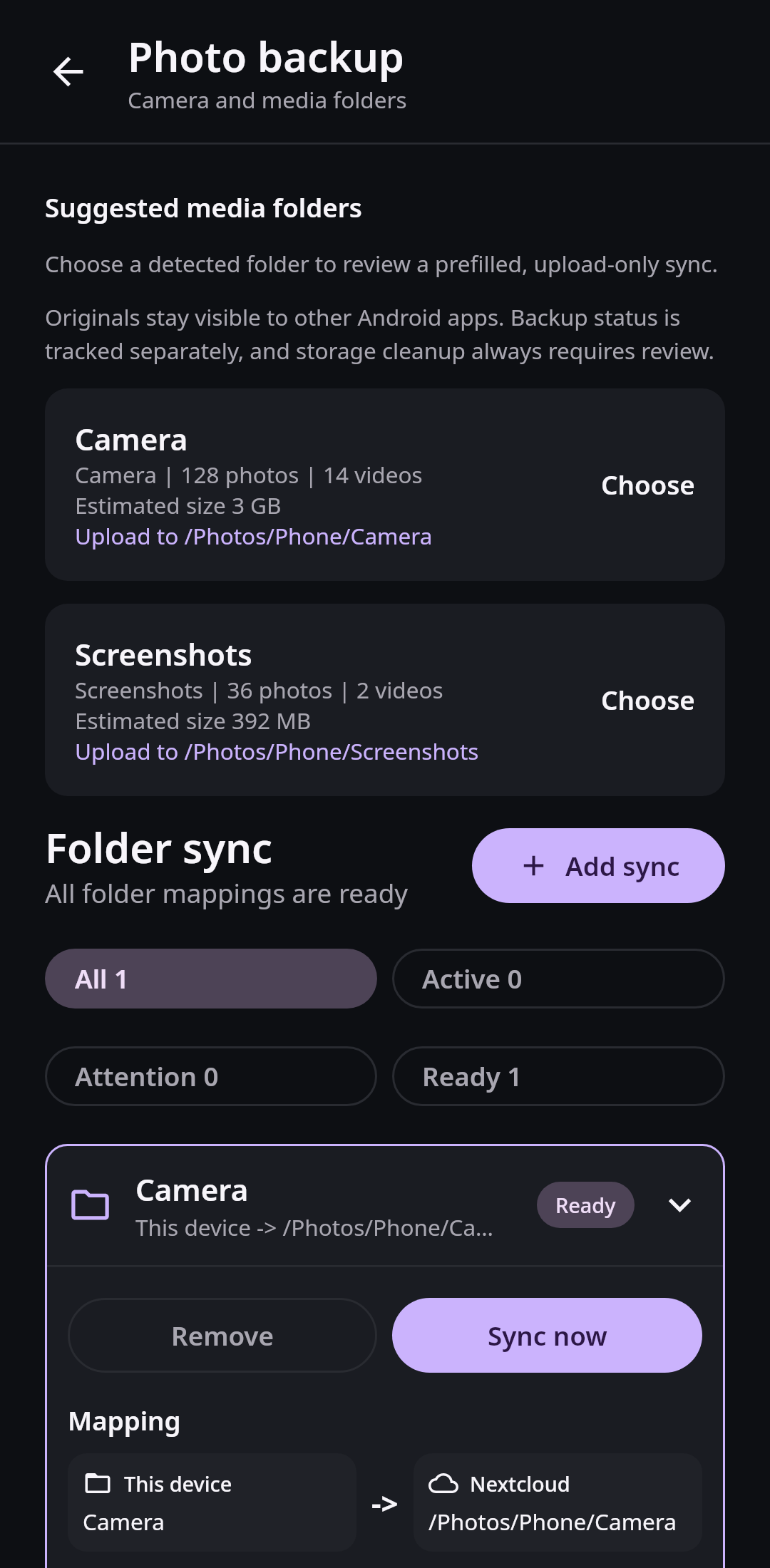
Reliable two-way Nextcloud folder sync keeps Markdown notes visible to Obsidian, preserves conflicting edits, and avoids hidden app folders.
4 min read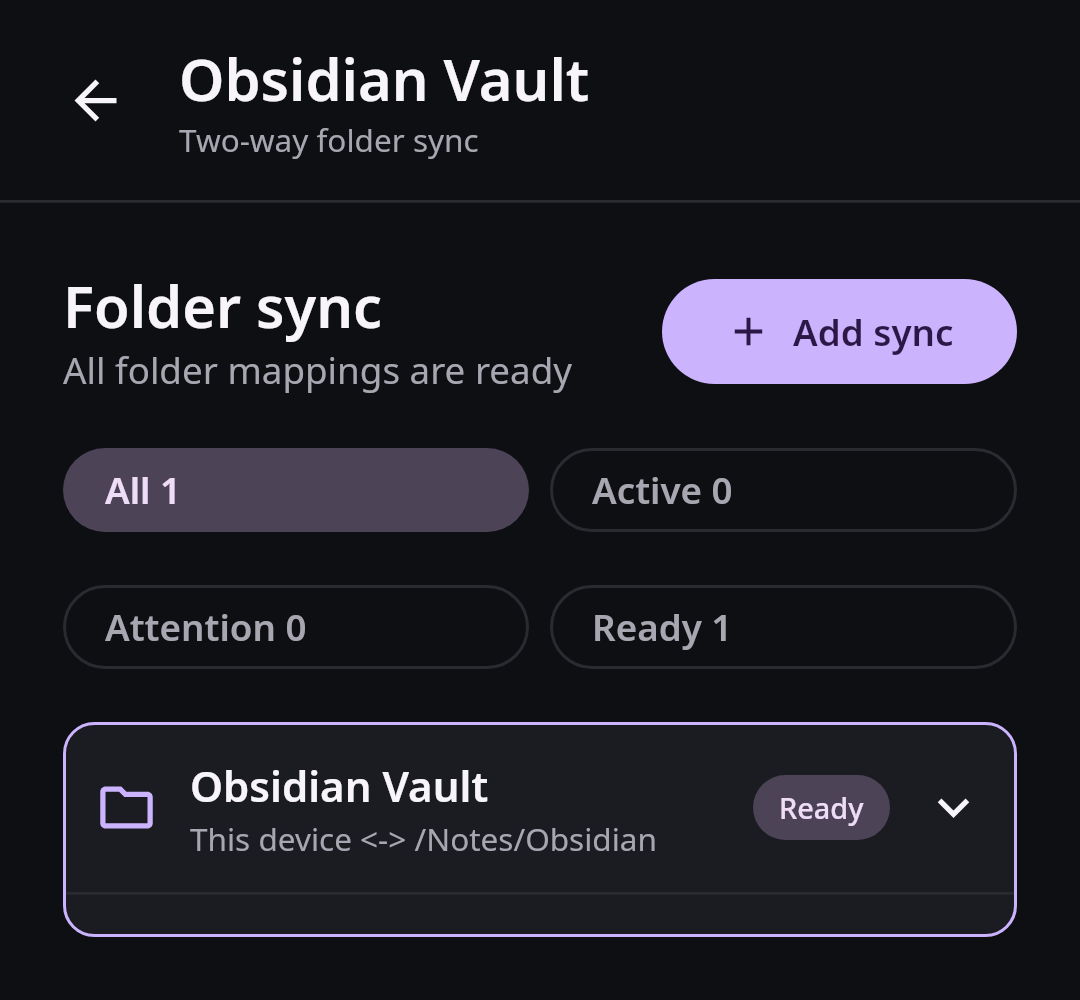
Straight answers
No. Nextcloud Native consumes server APIs and renders native Compose interfaces. Web content is reserved for formats that genuinely require a document renderer, not app navigation.
Yes. Folder pairs connect a normal device folder with a Nextcloud folder, keep files visible to Obsidian and other editors, work offline, and preserve both versions when changes conflict.
Yes. Backup distinguishes waiting, uploading, verified, changed, failed, and cloud-only files. Storage cleanup is offered only for the exact file version verified on your selected server.
Reusable native components understand common resources such as files, messages, people, events, tables, boards, media, forms, and actions. Verified app knowledge improves specialized workflows without turning every integration into a separate client.
App-specific knowledge can improve an experience, but reusable semantics let similar data and actions work across apps we have never tested. Verified adapters remain available for the places where they create a genuine UX improvement.
No. Nextcloud Native is an independent Obiente project, licensed under AGPL-3.0-or-later. It is not affiliated with, sponsored by or endorsed by Nextcloud GmbH.
AGPL-3.0 open source
Run the clients, test your server and apps, inspect the architecture, or bring a platform integration you care about.